Clipart, Vector, and Illustration: What is the Difference
- Nov 3, 2023
- 5 min read
Updated: Mar 31
In the world of design and graphics, the terms clipart, vector, and illustration get mixed up constantly. Even experienced designers use them interchangeably, and technically, they are not the same thing.
Understanding these differences will help you pick the right asset type for your project, avoid quality issues at print or screen size, and communicate clearly with designers and clients.
This guide breaks down each type, covers file formats, practical use cases, and which software to use for editing

Clipart vs. Vector vs. Illustration
Quick comparison: Clipart vs. Vector vs. Illustration
Differences between clipart, vector and illustration
Clipart | Vector Graphics | Illustration | |
Format | Raster (PNG, GIF) | Vector (SVG, EPS, AI) | Raster or Vector |
Scalability | Loses quality when enlarged | Infinite scalability | Depends on format |
Complexity | Simple, flat, generic | Precise, editable paths | Custom, can be highly detailed |
Best of | Quick documents, presentations | Logos, icons, print | Storytelling, editorial, branding |
Editing | Photoshop | Illustrator, Inkscape | Both, depending on format |
What is Clipart?
Clipart refers to pre-made, ready-to-use graphics designed for quick insertion into documents, presentations, and digital projects. Think of them as digital stickers: simple, stylized, and broadly themed so they work across many contexts without customization.




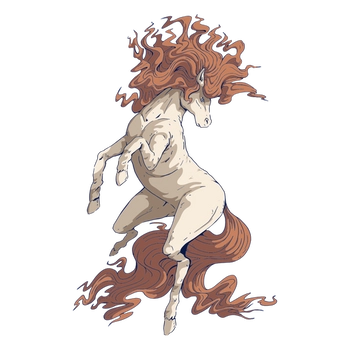

Most traditional clipart is raster-based, meaning it is built from a grid of pixels. This makes clipart fast to use but limited in flexibility: enlarge it too much and the edges become blurry or pixelated.
Clipart refers to pre-made, static images or graphics that can be easily inserted into documents, presentations, or digital projects.
Key characteristics:
Pre-made with no customization required
Simple shapes, flat colors, minimal shading
Often themed (holidays, business, education, nature)
Typically stored as PNG or GIF files
Easy to use in Word, Google Docs, Canva, or PowerPoint
Best for: internal documents, school projects, casual social media posts, presentations where speed matters more than precision.
What are Vector Graphics?
Vector graphics are built using mathematical equations that define shapes, lines, and curves rather than pixels. Because vectors describe geometry rather than storing individual dots, they can be scaled to any size, from a 16x16 favicon to a 10-foot billboard, without any loss of quality.
This makes vectors the go-to format for anything that needs to work across multiple sizes or output formats.
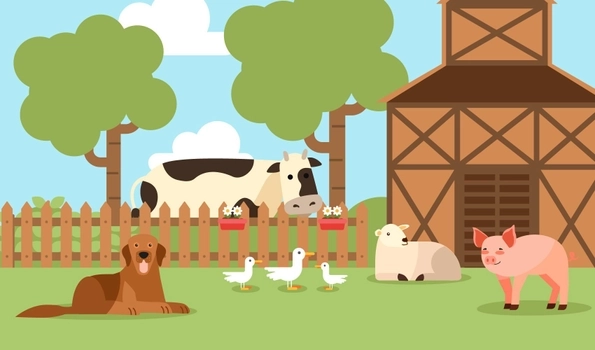

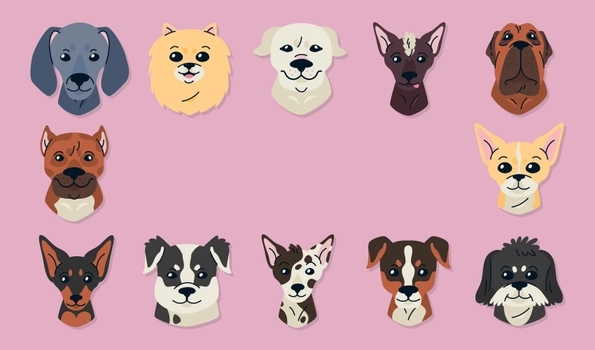

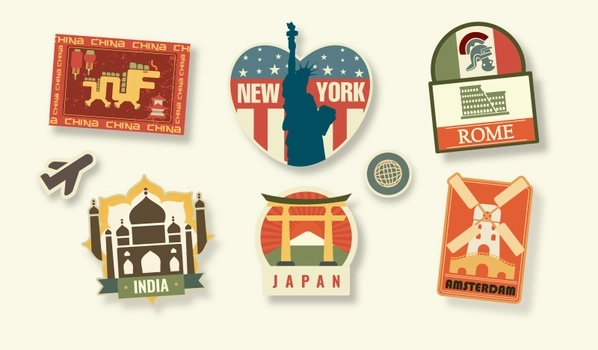

Vector graphics are crafted using mathematical equations to delineate shapes, lines, and curves.
Key characteristics:
Resolution-independent: infinitely scalable
Editable anchor points and paths
Precise, clean lines ideal for logos and icons
Stored as SVG, EPS, or AI files
Editable in Adobe Illustrator, Inkscape, or Affinity Designer
Best for: logos, brand identity, icons, print materials, product packaging, infographics, any asset that needs to scale.
What is an Illustration?
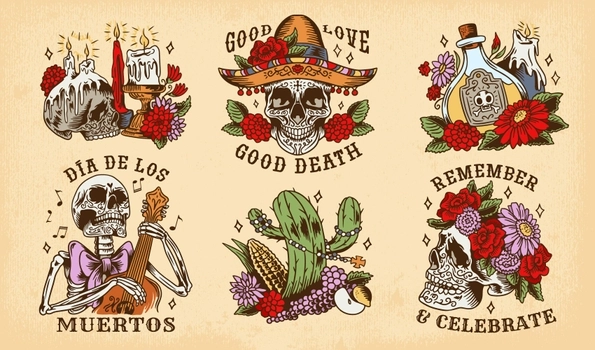
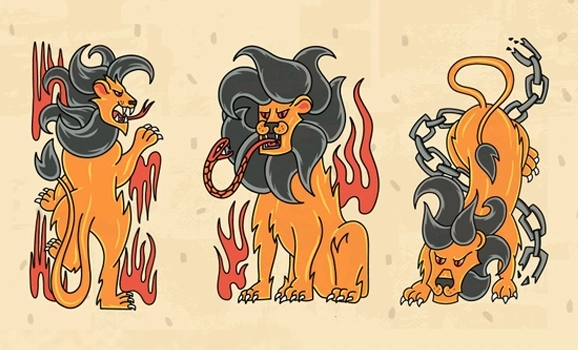
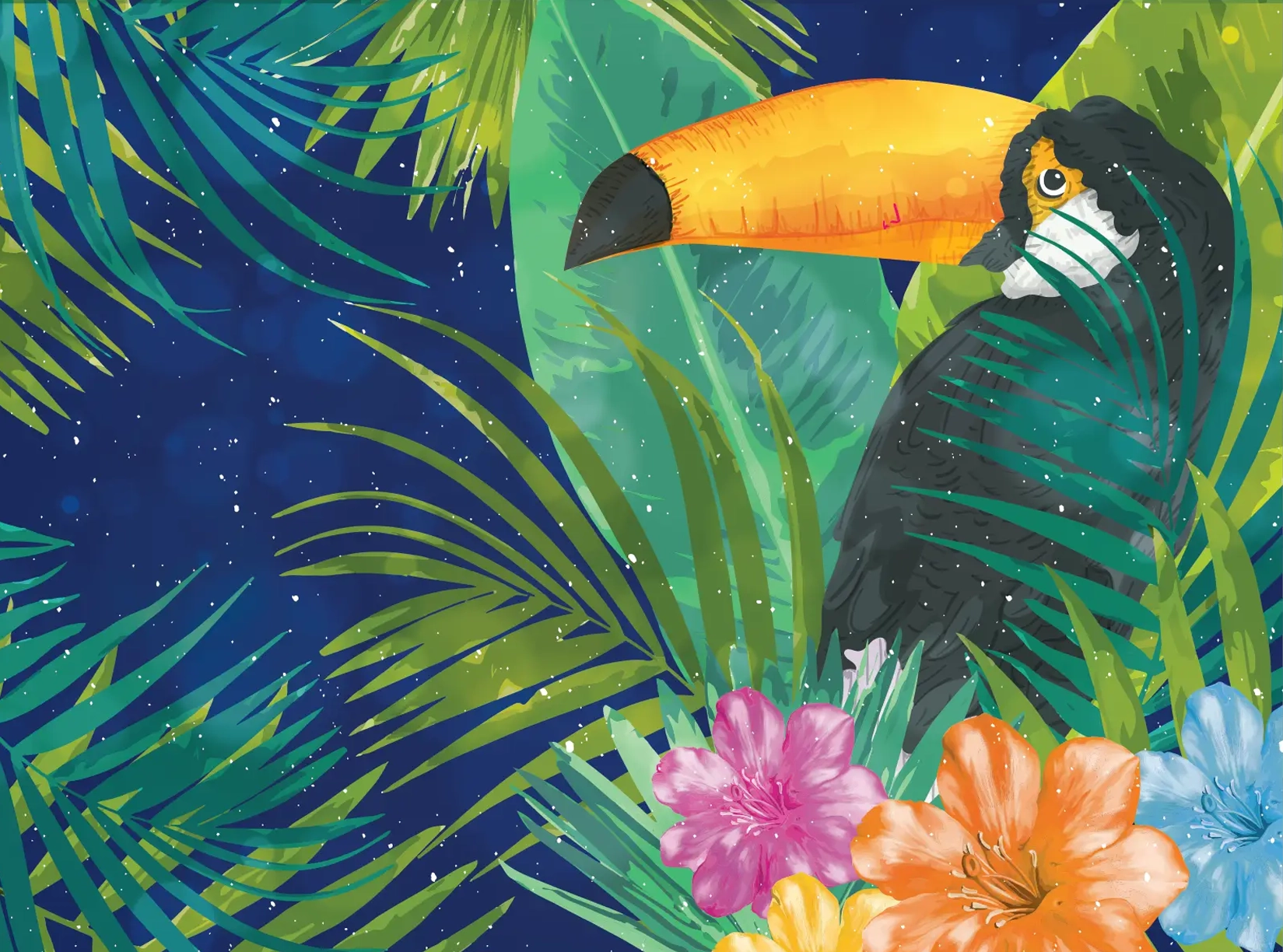
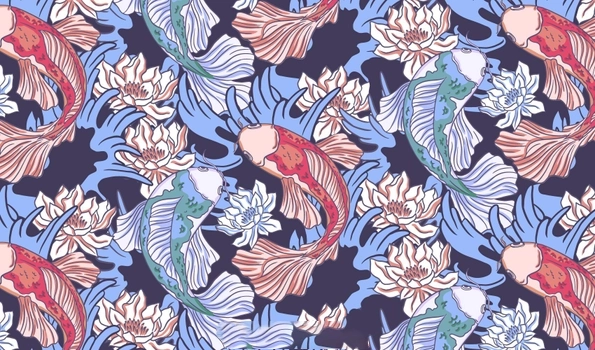
Illustration is a broader category. It refers to any artwork created to visually represent, explain, or interpret a concept, story, or idea. Illustrations can be traditional (hand-drawn, painted) or digital, and they can be raster or vector depending on how they were created.
What sets illustrations apart from clipart is intent and complexity. Clipart is generic and pre-made. An illustration is typically created with a specific purpose in mind: a book cover, an article header, a brand character, a product concept.
An illustration provides a visual representation or interpretation of an idea, concept, or subject.


Key characteristics:
Custom or semi-custom artwork
Can be simple or highly detailed
Style varies widely (flat, realistic, painterly, editorial)
May be vector-based (scalable) or raster-based
Edited in Illustrator, Photoshop, Procreate, or similar tools
Best for: editorial content, storytelling, children's books, branding, explainer graphics, anything requiring a specific visual identity.
File Formats: What Each Type Uses
The format a graphic is saved in determines how flexible it is for editing and resizing.
Clipart formats:
PNG: Raster, supports transparency. Good for web use, not ideal for printing at large sizes.
GIF: Raster, limited color palette. Mostly legacy use or animated graphics.
Vector formats:
SVG (Scalable Vector Graphics): Open web standard. Works in browsers, Figma, Illustrator, and Canva. Best for web icons and UI.
EPS (Encapsulated PostScript): Standard for print workflows and professional design handoff.
AI (Adobe Illustrator): Native Illustrator format. Fully editable in Adobe ecosystem.
PDF: Can contain vector data; widely accepted by print vendors.
Illustration formats:
Any of the above, plus PSD (Photoshop) for layered raster illustrations.
👉 Note: if you are working with photographs rather than graphics, the relevant formats are different. See our guides on RAW, JPEG, and TIFF for Photography and WebP vs. JPEG vs. AVIF for Web Photos.
When to Use Each Type
Use clipart when:
You need something fast and the quality bar is low
The project is informal (internal memo, classroom handout, quick social post)
You do not need to resize significantly
You are working in Word, Google Slides, or similar non-design tools
Use vector graphics when:
The asset needs to scale (logo, icon, print material)
You need to edit colors, shapes, or paths after download
The output is for print, packaging, or professional branding
You want a clean, crisp result at any size
Use illustrations when:
The project requires a specific visual style or narrative
You are building brand identity with recurring characters or scenes
The artwork needs to feel custom, not generic
You are creating content for editorial, publishing, or storytelling
How to Edit Each Type
Editing clipart:
Photoshop or GIMP: Crop, adjust color, add filters
Canva: Quick recoloring and resizing within templates
Limited: raster format means destructive edits at low resolution
Editing vector graphics:
Adobe Illustrator: Industry standard. Full path editing, color control, typography
Inkscape: Free and open-source alternative
Affinity Designer: One-time purchase alternative to Illustrator
Figma: Great for UI-focused vector work
Canva Pro: Basic SVG editing for non-technical users
Editing illustrations:
Depends on the format. Raster illustrations use Photoshop or Procreate; vector-based illustrations use Illustrator or Affinity Designer
Layered PSD files give the most editing flexibility for complex digital artwork
FAQ
What is the difference between an illustration and a vector?
An illustration is a broad term for any artwork created to visually represent an idea, story, or concept. It can be hand-drawn or digitally created using various techniques. A vector, on the other hand, is a specific type of digital illustration made using vector graphics software. Vectors are composed of paths defined by mathematical equations, which allows them to be scaled to any size without losing quality.
How can I distinguish between clipart and other types of images?
Clipart refers to pre-made images used for various graphic design purposes. They are usually simple, colorful, and stylized, making them easily recognizable. Clipart images are often available in vector format, allowing for easy resizing and customization. Unlike photos or detailed illustrations, clipart typically lacks complex textures and shading, making them more cartoon-like and straightforward.
What is the difference between clipart and a picture?
Clipart and pictures serve different purposes in design. Clipart consists of simple, stylized images or icons designed for easy use in various projects. They are often vector-based, making them scalable and editable. Pictures, however, are typically photographs or detailed illustrations capturing real-life scenes or complex artwork. Unlike clipart, pictures contain rich textures, colors, and details, making them less flexible for certain design applications.
What is the difference between a vector and an illustration?
A vector is a type of digital illustration created using vector graphics software, which uses mathematical equations to create shapes and lines. This allows vectors to be infinitely scalable without losing quality. An illustration is a broader term that encompasses any artwork created to visually convey a concept or story. While vectors are one form of illustration, not all illustrations are vectors; they can also be raster images, hand-drawn art, or other forms of digital artwork.
Clipart, vectors, and illustrations are not competing categories, they serve different needs. Clipart is fast and generic. Vectors are precise and infinitely scalable. Illustrations are custom and expressive.
The right choice depends on your project's purpose, quality requirements, and whether you need to edit the asset after download.